
Last updated: October 2026 · Written by [Maulik Poriya] · Reviewed by [Varmine Bim]
Table of Contents
A VR design review lets a team walk through a Revit model at full scale and log issues on the spot. The workflow has six steps: set a review question, prepare a 3D view, send the model to a VR tool, test the session, run it with one person driving, and move the logged issues into your tracker. It works best for spatial questions such as clearances, sightlines, reach, and circulation. It does not replace drawing review, code checks, or clash detection.
On a monitor, every room is the size of the window it appears in. A screen cannot tell a client that a ceiling feels low or that a reception desk blocks a door swing. VR can, because it shows the model at 1:1 scale.
This article explains what a VR design review is, what the research says about it, what you need to run one, and how to set one up from a Revit model. It also covers the comfort and compatibility limits that cause most reviews to go badly.
What is a VR design review in BIM?
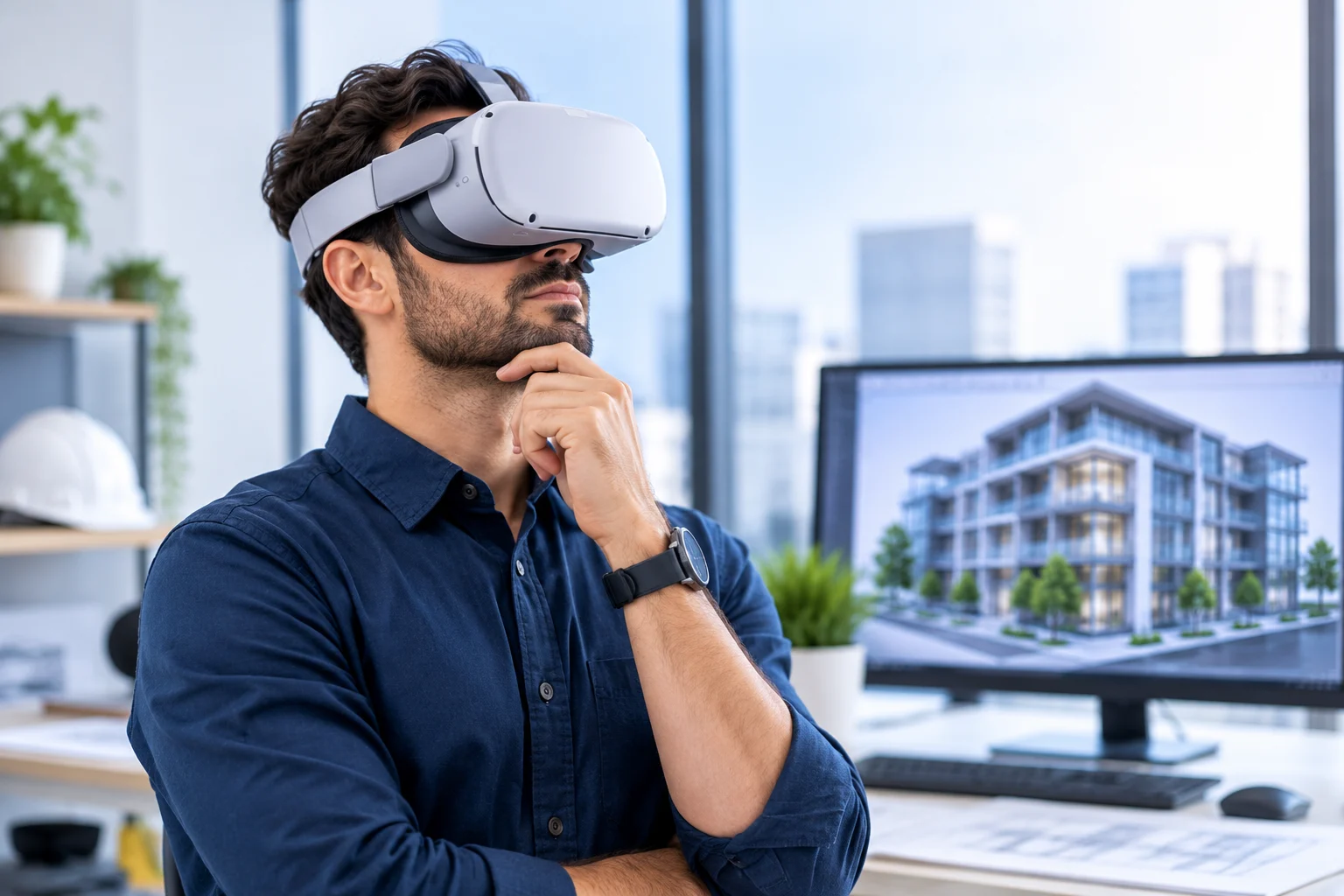
A VR design review is a meeting where the team walks through a BIM model in a headset at 1:1 scale, discusses what they see, and logs issues in the model. It answers spatial questions: whether a corridor is wide enough, whether a desk blocks a door swing, whether a ceiling feels low, and what a person sees from a given seat. It does not answer schedule, specification, or code questions.
Does VR find more design problems than screen review?
The evidence is positive but mixed.
Study | What was tested | Result |
Construction Industry Institute, 2019 (reported by ENR) | Reviewing a 3D model in immersive VR and on a desktop | Novices with less than three years in the industry doubled their ability to spot design errors, and experienced workers improved less |
Chalmers University of Technology, 2025 | The same design proposal reviewed in 2D, 3D, and VR | Participants performed significantly better in 3D than in 2D, and significantly better in VR than in 3D |
Wolfartsberger, Automation in Construction | VR and a PC screen for engineering design review | Users found slightly more faults in VR, and the author concludes VR adds to on-screen review without replacing it |
Cambridge conference paper, 2019 | Review of 3D CAD models | Earlier studies were contradictory, and some found VR made reviews longer CII Study Finds Virtual Reality Helps Reduce Design Errors |
VR helps most with spatial problems and with newer reviewers, and it can add time to a meeting. These are controlled experiments, not records from live projects, so run a pilot on your own project before you change your review process.
What do you need to run a VR review of a Revit model?
Option | How it works | Hardware notes |
Autodesk Workshop XR | Supports Revit and Navisworks, and logged issues sync to Autodesk Forma | Runs on VR headsets and in a desktop web browser, and is untethered, so it needs no PC connection |
Enscape | A plugin that runs inside your modeling software | Lists the Meta Quest 3 as a VR headset, and VR is not supported on machines without a dedicated GPU |
Twinmotion | A published workflow moves a Revit model through Twinmotion and Datasmith into VR, with added work on textures and lighting | Needs a capable PC Autodesk Workshop XR: Streamline your design reviews in extended reality (XR) +4 |
Workshop XR does not require a headset, so people who cannot or prefer not to wear one can join in a browser. Its synced issue tracking depends on Autodesk Forma, so confirm your licensing first. Enscape does not support VR on macOS, and Revit itself has no Mac version. For a comparison of Enscape, Twinmotion, and D5 as everyday visualization tools, see our article on Revit plugins and AI tools for drawing production.
How do you turn a Revit model into a VR design review?

- Write the review question. Choose one spatial question per session, such as clearances at a plant room door or sightlines from a reception desk. A vague “let’s look at the model” produces vague results.
- Prepare a 3D view of the area under review. One vendor guide starts by opening a 3D view of the part of the model to review and then optimizing the geometry for VR. The Construction Industry Institute’s implementation guide includes model preparation procedures and 3D content optimization. In practice, hide what is not part of the question, check that materials and levels are correct, and remove duplicate geometry.
- Send the model to the VR tool. Use the plugin or cloud connection of the tool you chose, and confirm it supports your Revit version.
- Test the session on the headset before the meeting. Walk the route yourself, check the scale, and fix missing materials or blocked paths. Never run a first test in front of a client.
- Run the review with one person driving. One person controls movement while others look. Start seated, log each issue in the tool with its location, and pause for breaks.
- Close out the issues. Move the logged issues into your tracker, assign an owner to each, update the model, and review only the changed areas next time.
How do you keep reviewers comfortable?
Comfort decides whether a review finishes. Locomotion design is closely tied to cybersickness, and field-of-view restriction and snap turning are two mitigation tools researchers are studying. Susceptibility to cybersickness varies between people, so plan for the least experienced person in the room, who is often the client.
- Use teleport movement instead of continuous walking where the tool allows it.
- Keep the first session short, and let anyone stop at any time.
- Offer a desktop view for anyone who prefers it.
What are the limits of VR design review?
VR shows only what is modeled. If a duct is missing or a door is drawn at the wrong height, the review will not catch it by itself. Our guide to AI-powered BIM clash detection covers how geometry conflicts are found and sorted.
Hardware and setup take time. VR needs a dedicated GPU, a compatible headset, and a prepared model. A review that fails to load wastes the whole meeting.
Tools change. Autodesk says customers of Prospect by IrisVR are migrating to Workshop XR, so a guide written two years ago may describe a product that has moved on. Check each tool’s current status and Revit version support before you build a process around it.
The evidence is limited. The studies above are controlled experiments, and results vary by reviewer experience and task.
When is a VR review worth the setup?
Good fit | Poor fit |
Rooms where people and equipment must fit, such as corridors, plant rooms, and service areas | Specification and schedule review |
Client reviews where non-specialists need to understand scale | Code compliance checks |
Sightline and reach questions | Early massing with little detail |
Onboarding newer team members to a design | Models that are not yet coordinated |
How Varmine BIM supports VR design reviews
Varmine BIM offers AR-VR solutions, 3D walkthroughs, and BIM modeling, and works in Revit, Navisworks, Enscape, and Lumion. Models follow ISO 19650 and region-specific standards, with QA/QC across global teams.
Frequently asked questions
A VR design review is a meeting where a team walks through a BIM model in a headset at 1:1 scale, discusses what they see, and logs issues in the model. It answers spatial questions such as clearances and sightlines.
Not always. Autodesk Workshop XR runs on VR headsets and in a desktop web browser, so attendees without a headset can still join. For the full-scale experience, a headset is needed.
It depends on the tool. Enscape lists the Meta Quest 3 and requires a PC with a dedicated GPU. Workshop XR is untethered, so it needs no PC connection. Check each vendor’s hardware page before you buy.
Often, but not always. A Construction Industry Institute study found novices doubled their error detection in VR, and a Chalmers experiment found VR beat 3D and 2D. Another study found only a slight gain. Results depend on the task and the reviewer.
Use teleport movement, keep sessions short, start seated, and offer a desktop view. Susceptibility varies between people, so plan for the least experienced reviewer.
No. VR shows what is modeled and helps people judge space. Clash detection software finds geometry conflicts across disciplines. Use both.