
Last updated: October 2026 · Written by [Maulik Poriya] · Reviewed by [Varmine Bim]
Table of Contents
Start with one task that costs your team hours every issue cycle: sheet setup, tagging, schedule edits, or exports. Check whether Revit 2027 now handles it natively, then add one plugin for what remains. A stack of four tools covers most drawing production work. Test every tool on your Revit version before the team relies on it. AI can help with schedules, sheet numbering, and tagging, but inside Revit it is still a preview, and its output needs review.
Every drawing issue repeats the same chores. Sheets need new views, tags need checking, schedules need updated parameters, revisions need clouds, and the set needs exporting in the right formats with the right names. None of these tasks is hard. Together they take time a modeler could spend on the model.
This article follows the order a team can use in practice. It checks what Revit already does, picks a plugin for one problem, builds a small stack, and then adds AI where it is reliable enough. It also covers the compatibility limits that cause most plugin failures after a Revit upgrade.
Which Revit 2027 tools should you check before installing a plugin?
Revit 2027 was released in April 2026 and moves several chores that plugins used to cover into the core product.
Task | Native tool in Revit 2027 |
Numbering doors and other elements | Rule-based numbering templates assign numbers from shared parameter values |
Default tag for each category | Multi-category tags can be set as the default tag |
Tag leader positions | More control over where leaders start and end |
Copying a tag style | Revit 2027.2 can create a new tag from a selected example tag |
Simple repeated tasks by text prompt | Autodesk Assistant (tech preview) can create schedules, renumber sheets, and place tags in multiple views What’s New in Revit 2027: A Guide to the Latest Features +4 |
A plugin that repeats a native tool adds an install, a license, and an upgrade risk for no gain.
How do you choose a Revit plugin?
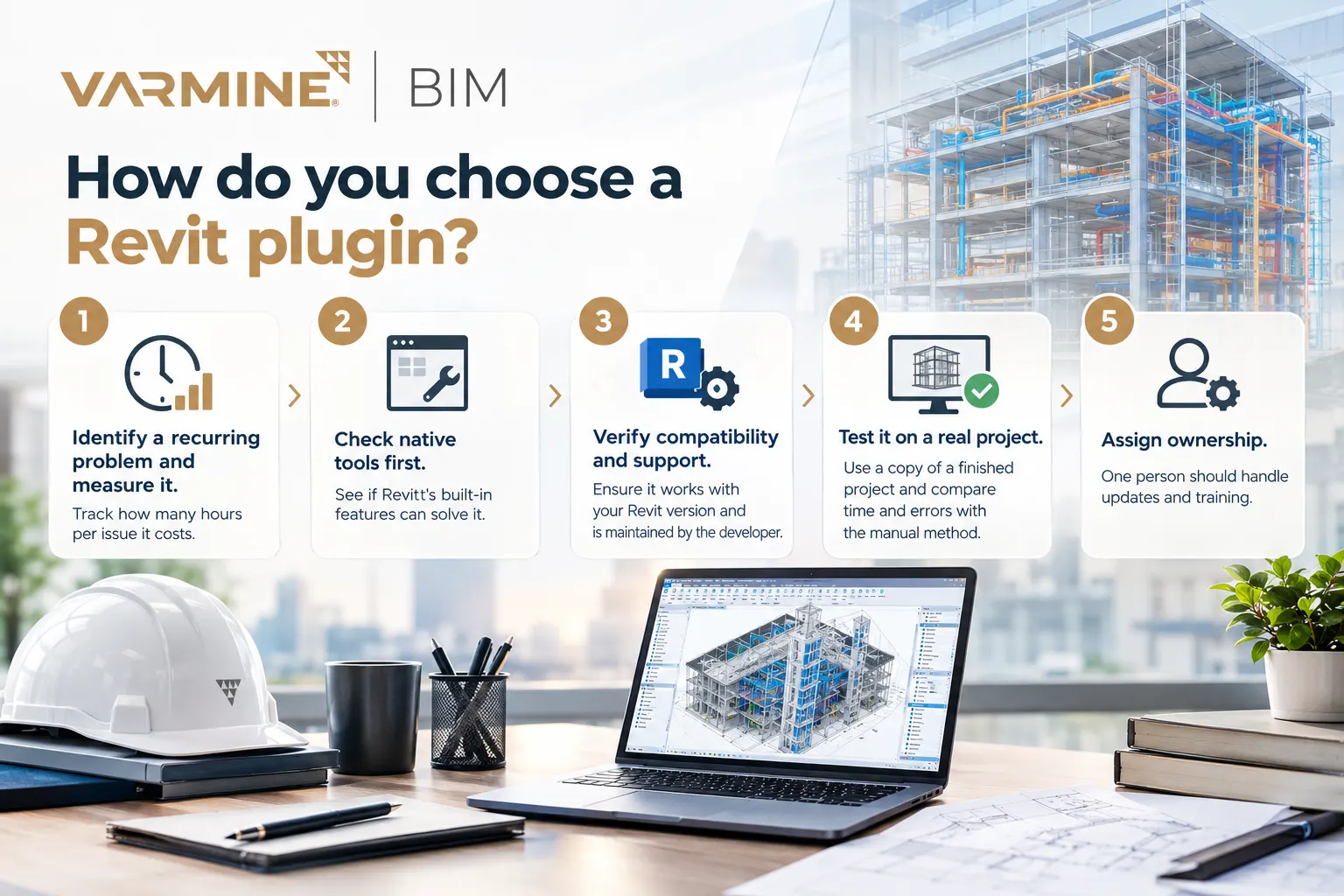
Choose by problem, not by list. Installing everything slows Revit down and makes upgrades harder.
- Name one recurring problem and measure it: how many hours per issue does it cost?
- Check the native tools above first.
- Check that the plugin supports the Revit version you run, and who maintains it.
- Test it on a copy of a finished project and compare time and errors with the manual method.
- Give one person ownership of the tool, including updates and training.
Which plugins speed up each part of drawing production?
Job | Tool | Cost model |
Custom scripts | pyRevit | Free |
Custom scripts, visual | Dynamo | Built into Revit |
Sheets, parameters, Excel link | DiRootsOne | Free and paid tiers |
Batch export and print | ProSheets | Freemium |
Bulk data editing in Excel | Ideate BIMLink | Commercial |
MEP design and documentation | MagiCAD | Commercial |
Live visuals | Enscape, Twinmotion, D5 | Paid, with free options |
Automation: pyRevit, Dynamo, and DiRootsOne
pyRevit is a free add-in that adds a ribbon tab of tools and lets you write your own in Python or C#. Version 6.4.0 added Revit 2027 support. Dynamo is built into Revit and uses a node-based visual interface.
DiRootsOne bundles eight tools, including SheetGen for sheets, SheetLink for Excel, and ParaManager for parameters. It has a free variant and a premium variant, with a 30-day premium trial. Version 2.8.0 supports Revit 2018 through 2027. NTI Group acquired DiRoots in June 2026.
If someone on your team writes scripts, pyRevit or Dynamo gives the most control. If no one does, DiRootsOne gives ready-made tools.
Data and schedules: Ideate BIMLink
Ideate BIMLink pulls Revit data into Excel for editing and pushes the changes back into the model. It also lets non-Revit users edit data in Excel. Common exports are schedules, parameters, room data, and material quantities.
A wrong import changes many elements at once. Back up the model and test on a copy first. DiRootsOne’s SheetLink covers a similar Excel round trip, so you need only one of the two.
Sheets and exports: ProSheets and SheetGen
ProSheets batch exports and prints views and sheets, with automatic paper size detection, parametric file naming, and scheduled prints. It exports to formats including PDF, DWG, NWC, and IFC. SheetGen, a DiRootsOne tool, generates sheets in bulk.
Both tools depend on your standards. Naming rules and view templates must exist before the automation has anything consistent to follow.
MEP and coordination: MagiCAD
MagiCAD is an MEP design suite that runs inside Revit, AutoCAD, or BricsCAD, with modeling, calculations, and documentation tools. Its content platform has more than one million manufacturer BIM objects. MagiCAD 2027 is available. Using it requires familiarity with both MagiCAD and the host application. It suits teams that do MEP design, not teams that only draft from another firm’s model.
Clash checking is a coordination task rather than a drawing task. Our guide to AI-powered BIM clash detection covers how issues are sorted and resolved.
Visualization: Enscape, Twinmotion, and D5
Rendering does not produce drawings. It helps a team settle design questions before the drawings are issued.
- Enscape runs inside the host application, and changes in the model update in the Enscape window straight away.
- Twinmotion syncs through Direct Link, which is one-way, and D5 uses LiveSync plugins for real-time updates.
- Twinmotion is free for firms under $1 million in revenue, according to 2026 pricing pages. Check the license terms for your firm.
Pick one tool. Running several adds cost and training without adding capability.
Where does AI fit into drawing production?

Autodesk Assistant arrives in Revit 2027 as a tech preview, and the reviewer advises approaching production use thoughtfully. It can create schedules, renumber sheets, and place tags in multiple views. It is cloud-based, so it can improve without a Revit patch.
Outside Autodesk, one 2026 review lists Glyph, a Revit plugin that automates sheet creation, tagging, and sheet packing. Revit 2027 also has a public MCP server that opens Revit to outside AI tools.
Treat AI output like any other unchecked drawing work:
- After AI tagging, check for overlapping tags and view-specific cleanup.
- After AI renumbering, compare against the sheet index and your issue register.
- Before giving any AI tool write access to a model, test on a copy and check where project data goes.
Our article on AI in BIM workflows covers how to test an AI tool before relying on it.
What does a plugin stack look like for a small team?
This is a starting point for a team of three to five Revit users, not a ranking.
Tool | What it covers | Check before rollout |
Revit 2027 native tools | Numbering templates, default tags, tag leaders | Set the standards in your project template |
DiRootsOne | Sheet generation, parameters, Excel link | Choose free or premium and confirm version support |
ProSheets | Batch export and print | Confirm Revit 2027 support on the vendor page |
pyRevit or Dynamo | Scripts for chores specific to your team | Name one script owner |
Add MagiCAD for MEP design teams. Add Ideate BIMLink only if schedule editing is heavy and the DiRootsOne Excel link is not enough. Add one visualization tool if client reviews are frequent.
What are the limits of Revit plugins?
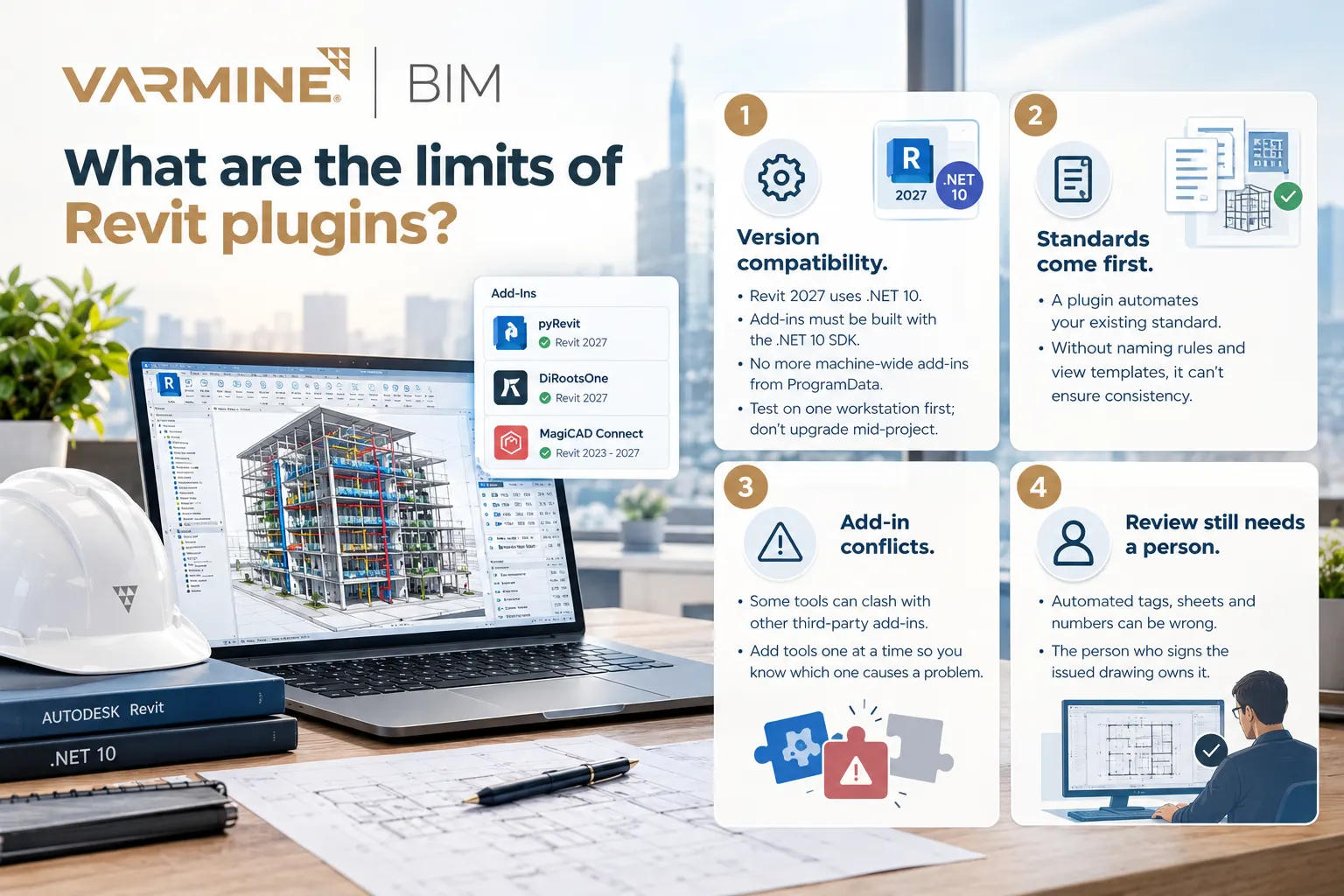
Version compatibility. Revit 2027 runs on .NET 10, and all add-ins must be built against the .NET 10 SDK. Revit also no longer loads machine-wide add-ins from ProgramData, so deployment scripts need updating. Vendors have been catching up: pyRevit 6.4.0 and DiRootsOne 2.8.0 list Revit 2027 support, and MagiCAD Connect lists Revit 2023 through 2027. Do not upgrade Revit in the middle of a project. Test on one workstation first.
Standards come first. A plugin automates the standard you already have. Without naming rules and view templates, it automates inconsistency.
Add-in conflicts. DiRoots’ May 2026 release notes list fixes for conflicts with other third-party tools. Add tools one at a time so you know which one causes a problem.
Review still needs a person. Automated tags, sheets, and numbers can be wrong in ways only a modeler spots. The person who signs the issued drawing owns it.
How Varmine BIM supports drawing production
Varmine BIM produces shop drawings and construction drawings, converts CAD to BIM, and runs MEP BIM modeling and coordination for architects, engineers, and contractors. The team works in Revit, Navisworks, AutoCAD, Dynamo, Enscape, and Lumion, and follows ISO 19650 and region-specific standards. If you are unsure which drawing type you need, read our guide to the difference between shop drawings and construction drawings.
Frequently asked questions
It depends on your bottleneck. Common choices are pyRevit or Dynamo for scripts, DiRootsOne for sheets and parameters, ProSheets for batch export, and Ideate BIMLink for Excel editing. Check Revit 2027’s native tools first, because some of these chores are now built in.
Some are. pyRevit is free, Dynamo is built into Revit, and DiRootsOne and ProSheets have free tiers. Ideate BIMLink and MagiCAD are commercial products. Pricing changes, so confirm on each vendor’s page.
Only if the vendor has rebuilt them. Revit 2027 runs on .NET 10 and requires add-ins built against that SDK. pyRevit 6.4.0 and DiRootsOne 2.8.0 list Revit 2027 support. Check each tool’s own compatibility page before upgrading.
In part. Autodesk Assistant in Revit 2027 can create schedules, renumber sheets, and place tags in multiple views, but it is a tech preview. Review its output against your sheet index and view standards before issuing drawings.
Dynamo is built into Revit and uses visual nodes, so it suits people who do not write code. pyRevit suits teams that write Python or C# and want ready-made tools on a ribbon tab. Choose by team skill, and name one owner for whichever you pick.
No. Plugins repeat tasks that follow a clear rule. A modeler decides view clarity, standards, and what is correct, and signs the drawing.