
Table of Contents
If you’ve spent time on a construction site or in a facilities office over the past couple of years, you’ve probably heard someone mention a “digital twin” and then move on before actually explaining it. That’s fair, the term gets thrown around a lot, often to describe a 3D model that looks impressive in a presentation and does little else.
A real digital twin is something different. It’s a live, working copy of a building or job site that updates itself as the physical world changes, not a static model sitting on a server, but a connected system built for continuous monitoring, one that tells you what’s happening right now, and often what’s likely to happen next.
This guide covers what digital twins actually do for facility management and construction monitoring, how they connect back to the BIM model your team already built, what data needs to be in place before a digital twin is worth the investment, and where most rollouts go wrong.
What Is a Digital Twin, in Plain Terms
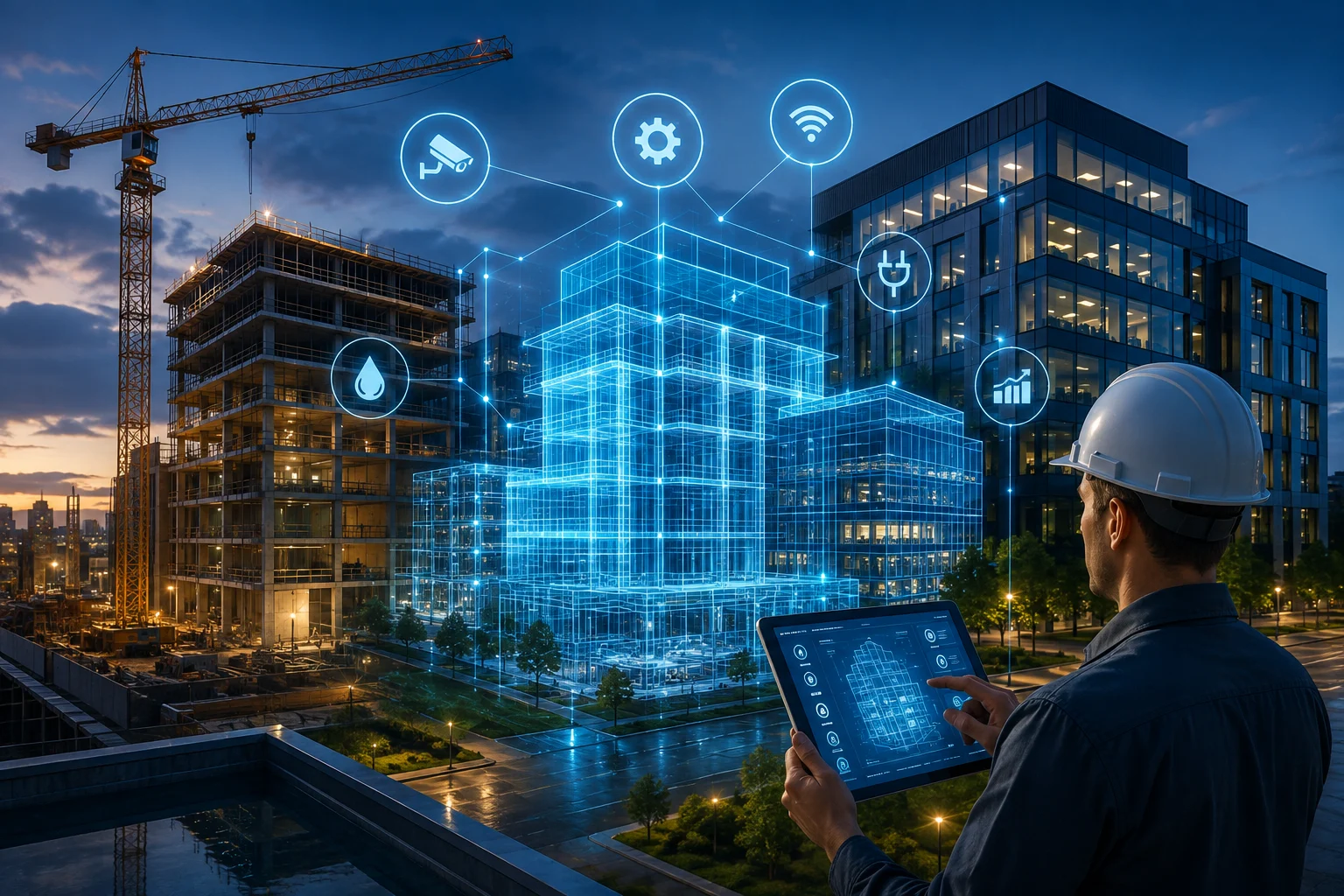
A digital twin is a virtual replica of a physical asset that stays synced with real-world data. Sensors, drones, laser scans, and manual updates feed information into the model continuously, so what you see on screen reflects what’s actually happening on site or inside the building.
Think of it this way, a BIM model is a detailed photograph. Accurate the moment it was taken, but it doesn’t change unless someone manually updates it. A digital twin is closer to a live video feed, it keeps updating on its own, and it can flag things a static photo never could, like a temperature spike, a schedule slip, or equipment drawing more power than it should.
How a BIM Model Becomes a Digital Twin
This is the step most articles on this topic skip, and it happens to be the one that matters most for anyone who already works with BIM.
A digital twin doesn’t appear out of nowhere. It starts as a BIM model built during design and construction, and it earns its “digital twin” status once it’s connected to live data and kept accurate through handover.
Here’s roughly how that transition happens:
- The BIM model is built to a usable standard. Proper element classification, correct geometry, clean metadata, not just a model that renders well.
- The model is enriched with COBie data. COBie organizes equipment specs, warranties, maintenance schedules, and spatial data in a format facility software can actually read. Skip this step and a facility team inherits a good-looking model with none of the operational information they need.
- Sensors and IoT devices are connected. Once the model structure is solid, real-time data from HVAC systems, occupancy sensors, energy meters, or structural monitors gets tied to the correct elements in the model.
- The model becomes a living twin. From here forward, it updates automatically and reflects the current state of the building or site, not just the original design intent.
Skip step two and you end up with a digital twin that looks impressive in a demo but can’t actually support maintenance planning or asset tracking. On one recent office fit-out project, a facility team received a fully sensor-connected model that still took three weeks to become usable, not because the sensors failed, but because the underlying COBie data was incomplete and had to be rebuilt element by element before the CMMS could read it correctly. You can see how a clean model gets built the first time in our 4D BIM simulation process. That’s the step that gets skipped most often, and it’s rarely mentioned in guides on this topic.
Digital Twins for Facility Management
Once a building is occupied, the digital twin shifts from a construction tool to an operations tool. For facility managers, that changes daily work in a few concrete ways.
A facility manager no longer needs to walk floors to check HVAC, lighting, or occupancy status, live conditions show up on one dashboard, and the twin flags unusual behavior before it becomes a full breakdown. That shift alone is what most teams notice first, but the deeper value shows up over time, across four areas:
Predictive maintenance instead of reactive repairs. Equipment reports how hard it’s working. A chiller drawing more current than usual gets flagged and scheduled for service before it fails mid-shift, rather than after.
Space and energy optimization. Occupancy data shows which areas of a building are actually in use, so heating, cooling, and lighting schedules can adjust instead of running full systems in empty rooms.
Faster emergency response. In a fire, gas leak, or security event, a digital twin gives responders a real-time view of the building, including which areas are occupied and which exits are clear, which matters far more in the moment than a printed floor plan.
Simpler audits and reporting. Because asset data, maintenance history, and compliance records live inside the twin, pulling a report for regulators or ownership takes minutes instead of a day spent searching spreadsheets and paper files.
Digital Twins for Construction Monitoring
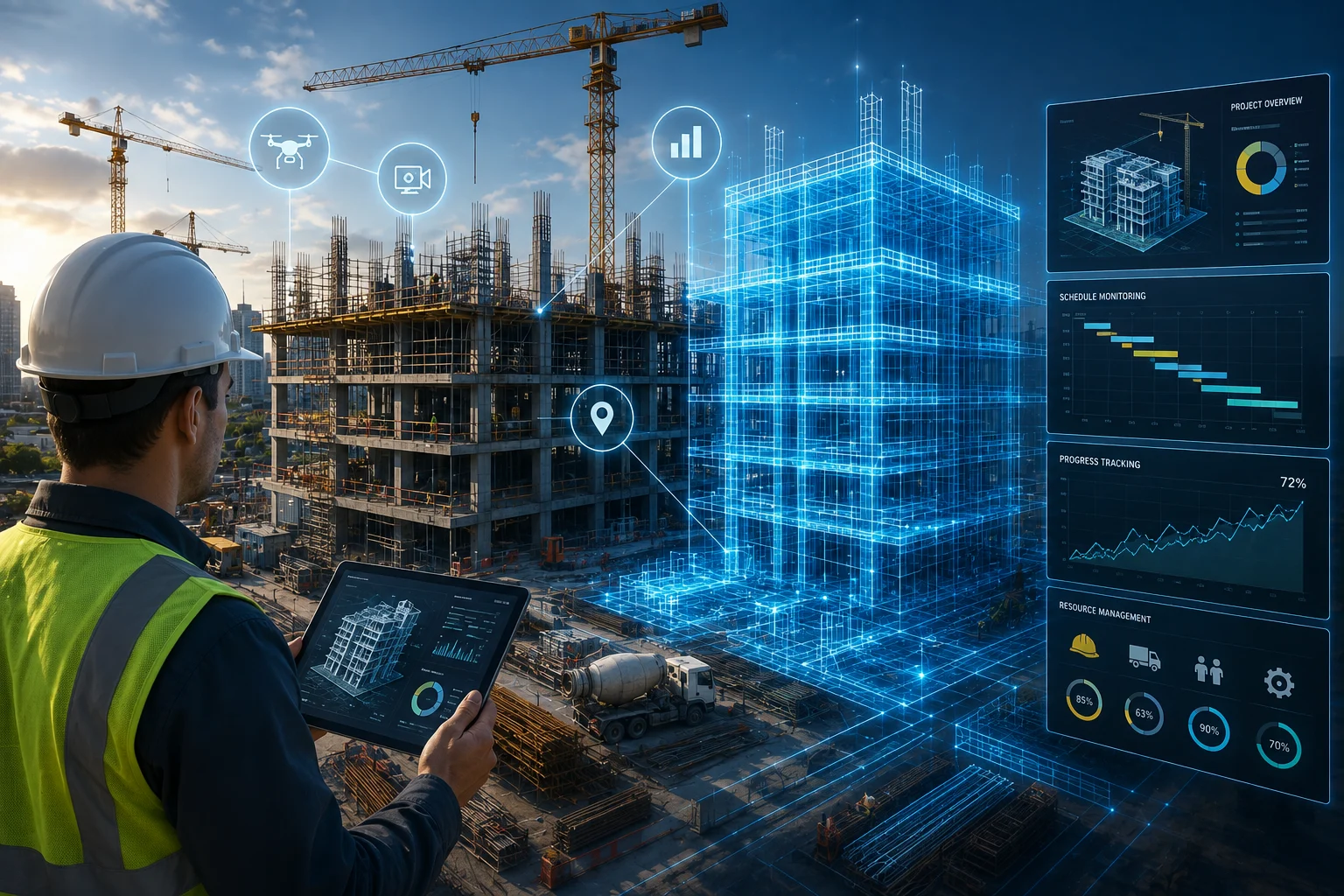
During the build itself, digital twins solve a different set of problems, mostly around visibility and coordination.
- Progress tracking against schedule. Drone flights, laser scans, or fixed site cameras feed updated conditions into the model, so project managers can compare planned progress against actual progress without walking the full site.
- Early clash and constructability checks. When site conditions don’t match the design, the twin flags the mismatch immediately instead of a crew discovering it mid-installation.
- Material and equipment tracking. Knowing where materials are, and whether machinery is sitting idle, helps cut waste and keep rental costs down.
- Safety monitoring. Sensors can track worker movement near hazardous zones, monitor air quality, and flag unsafe conditions in real time, supporting both compliance and basic site safety.
- Better sequencing decisions. With a live view of what’s actually happening across different parts of the site, teams can adjust trade sequencing on the fly instead of waiting for the next coordination meeting.
What You Actually Need Before Building One
- A BIM model that’s actually usable, proper LOD, correct classifications, clean geometry, not just something that renders nicely.
- Structured asset data, typically through COBie or a similar format, so software systems can read and use the information without manual cleanup.
- A clear data owner. Someone has to be responsible for keeping the model and its data accurate after handover, or the twin drifts out of sync within months.
- The right sensors for the right questions. Not every building needs every sensor type, start with the systems that cost the most to run or fail, like HVAC and energy, before expanding.
- Software that actually connects to a CMMS or BAS. A digital twin sitting isolated from your existing facility management software delivers a fraction of the value of one that plugs directly into it.
Common Mistakes That Derail Digital Twin Projects
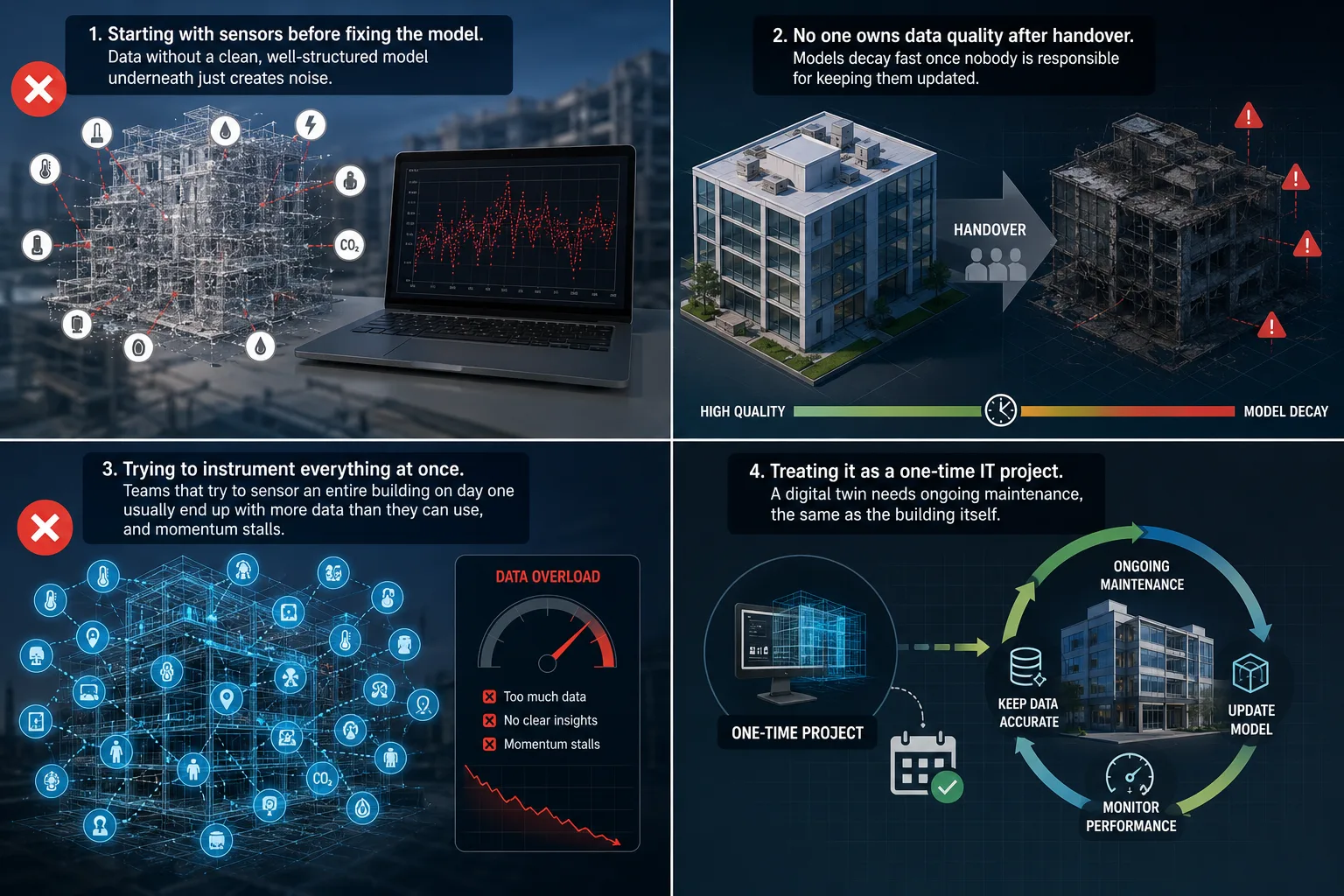
- Starting with sensors before fixing the model. Data without a clean, well-structured model underneath just creates noise.
- No one owns data quality after handover. Models decay fast once nobody is responsible for keeping them updated.
- Trying to instrument everything at once. Teams that try to sensor an entire building on day one usually end up with more data than they can use, and momentum stalls.
- Treating it as a one-time IT project. A digital twin needs ongoing maintenance, the same as the building itself.
Where BIM Providers Fit Into This
Since a digital twin is really an extension of a well-built BIM model, the groundwork matters more than the software eventually chosen to visualize the data. Clean modeling, accurate COBie data, and proper coordination during design and construction are what make a digital twin work once the building is handed over.
This is where BIM consulting and outsourcing partners add the most value, not by selling a twin, but by making sure the model underneath it is built correctly from day one. If your BIM model, scan-to-BIM data, and 4D simulation work are handled properly during design and construction, the move into a working digital twin during facility management gets a lot less painful. See how this comes together across our full BIM services, or browse past project outcomes. Varminect’s approach to COBie data export and structured BIM delivery is built with exactly that handover in mind.
No. A BIM model is a detailed but static digital representation created during design and construction. A digital twin builds on that model by connecting it to live, real-time data so it keeps updating as conditions change.
Yes, in the true sense of the term. Without live data feeding into the model, what you have is a 3D model, not a digital twin, sensors are what keep it current.
Poor underlying data. A digital twin built on a messy or incomplete BIM model, without structured asset data like COBie, won’t perform the way it’s supposed to, no matter how good the sensor network is.
They scale down reasonably well. A smaller building might only need a handful of sensors on its most critical systems, HVAC and energy metering, rather than a full building-wide network.
It depends on the size of the facility and how clean the existing BIM data is. A building with a well-structured model and clean COBie data can move to a functioning twin in weeks; one starting from scratch with poor documentation can take several months of data cleanup before sensors add real value.
No, they work alongside it. A digital twin feeds real-time and spatial data into your existing CMMS or BAS, making the information already in those systems more useful, not replacing them.